
Example Data for Animation
Python Code for Data Animation
from itertools import count
import pandas as pd
import matplotlib.pyplot as plt
import matplotlib.animation as animation

data = pd.read_excel(r'C:\Users\user\Desktop\pressure.xlsx')
print(data)
velocity = 1
span = 1

fig, ax = plt.subplots(1, 1, figsize = (8, 5))

def animate(i):
    plt.cla()

    x = data['Time'][0 : span + velocity*i]
    y1 = data['Data-1'][0 : span + velocity*i]
    y2 = data['Data-2'][0 : span + velocity*i]

    ax.plot(x, y1, label='Data-1',color='coral')
    plt.plot(x, y2, label='Data-2',color='dodgerblue')

    ax.legend(loc='upper left')
    ax.set_xlim([data['Time'].iloc[0], data['Time'].iloc[-1]])
    ax.set_ylim([-200, 1000])
    plt.xlabel('Time [s]')
    plt.ylabel('Pressure [kPa]')
    plt.tight_layout()

ani = animation.FuncAnimation(fig, animate, interval = 350, frames = len(data)-span)
ani.save(r'C:\Users\user\Desktop\animation.gif', writer = 'pillow') #directory to save the gif file

plt.show()
Output:
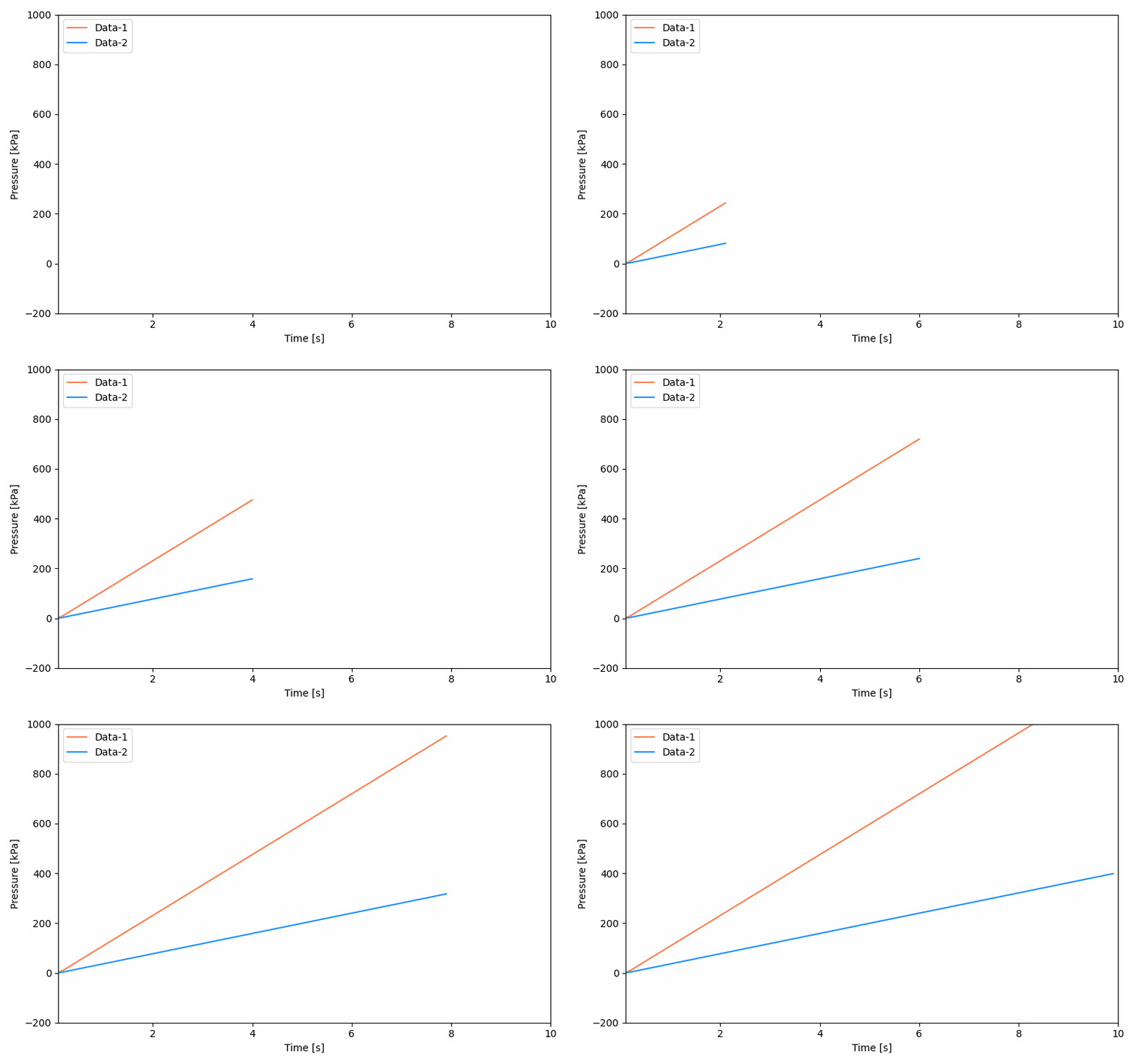
 Osman Gul
Leave a comment